Available on Microsoft Store · Free to download
Your desktop,
always in order.
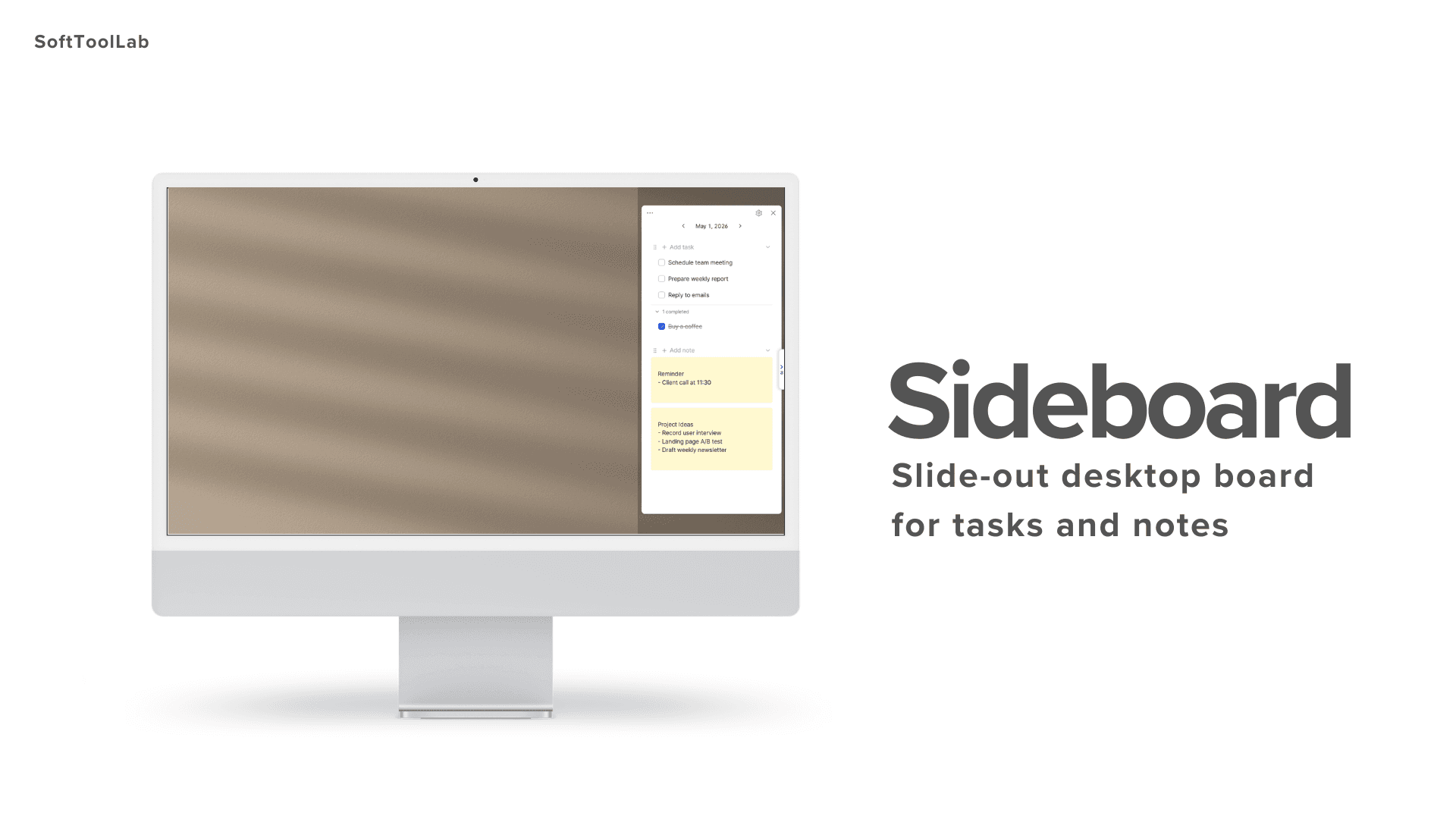
Sideboard slides out from the edge of your screen — tasks, notes, and trays at your fingertips, without ever leaving your workspace.

01
Slide-out Panel
Always within reach.
Slide out when you need it. Disappear when you don't.
02
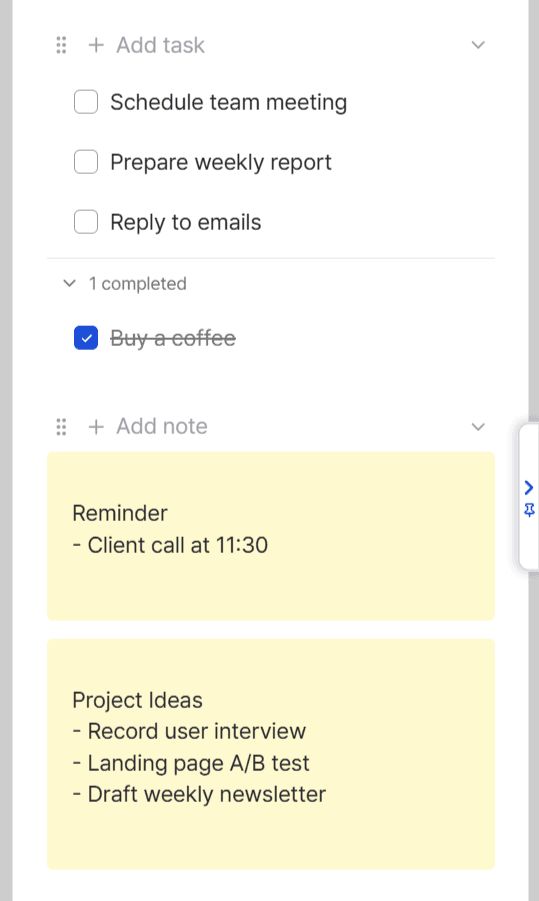
To-do
Quick task management right on your desktop.
Check things off without breaking your flow.
03
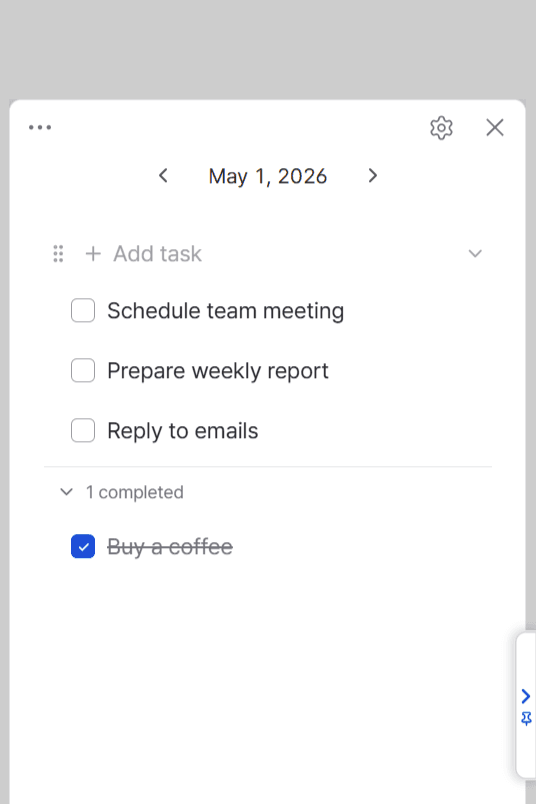
Sticky Notes
Capture ideas instantly.
Jot it down before it slips away. Always saved, always there.
04
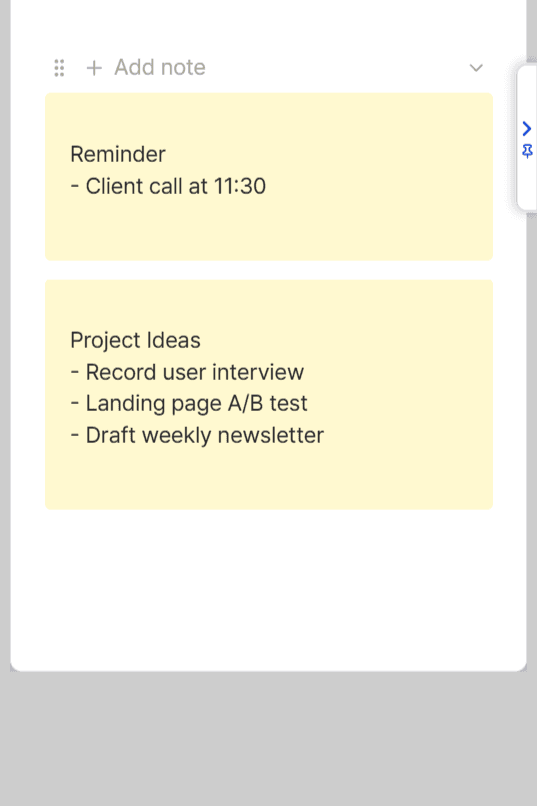
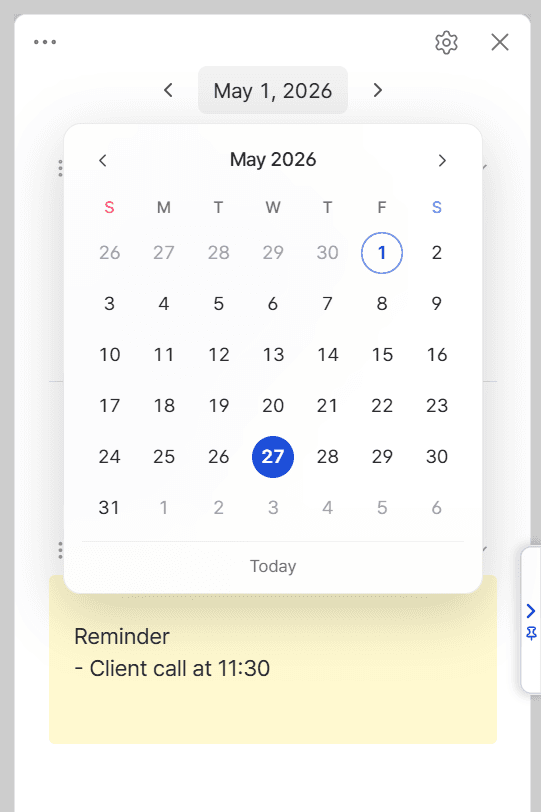
Date Navigation
Click the date. Jump to any day instantly.
Your tasks and notes follow you across time — no friction.
Simple pricing.
Own it forever. No subscription, no catch.
Free
For everyday tasks and notes.
$0
- ✓Unlimited to-dos & sticky notes
- ✓Up to 3 trays — links, images, and text
- ✓Inbox & Planner on Integrated Board
- ✓Slide-out panel · Always on top
Free on Microsoft Store
Recommended
Premium
For unlimited trays and full board.
$2.99
40% · Early bird
- ✓Everything in Free
- ✓Unlimited trays — collect without limits
- ✓Full Integrated Board menus
- ✓Backup export & import
- ✓Future Premium updates · up to 3 PCs
Install free — unlock Premium anytime inside Sideboard.